
Restaurant POS and Its Use Cases for New Restaurant Owners
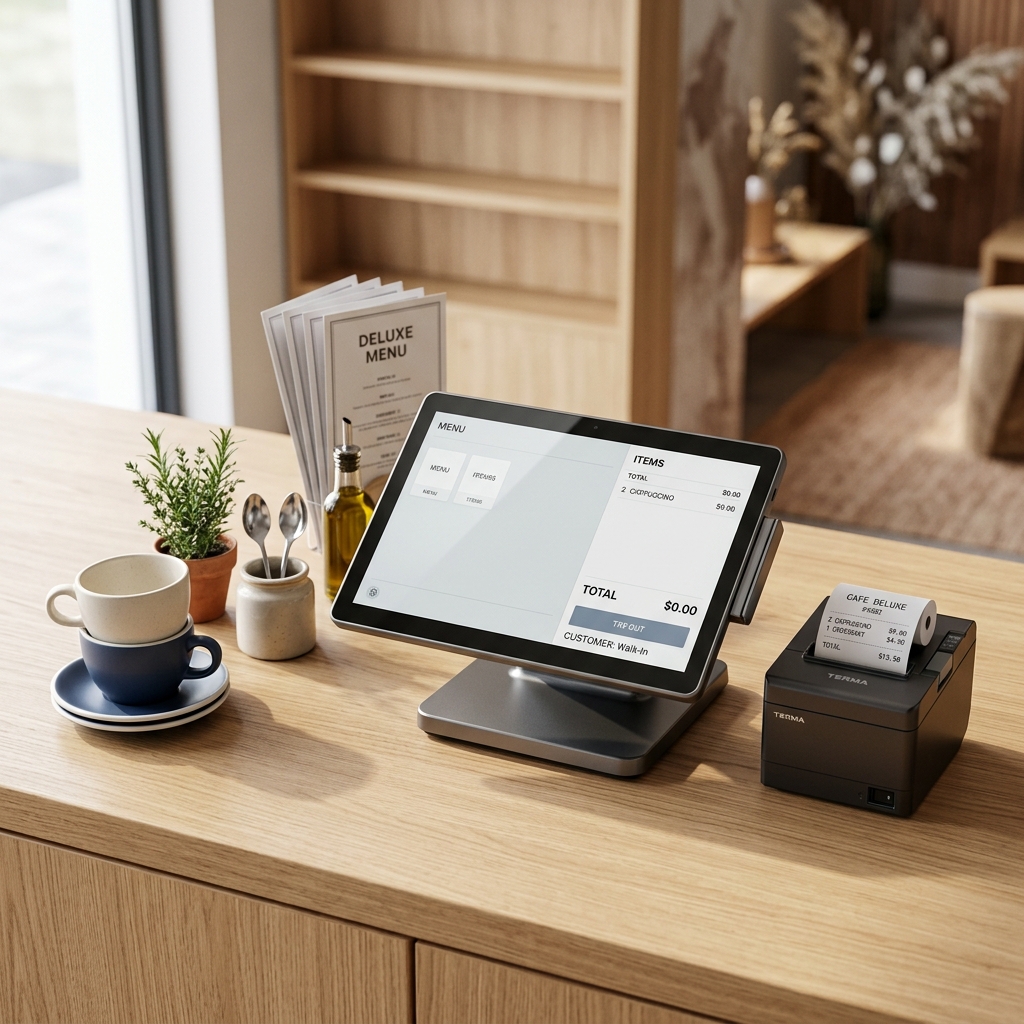
Opening a restaurant is exciting, but the first few weeks can be challenging. You need to manage orders, prepare food on time, collect payments, monitor ingredients, and make sure customers leave satisfied.
When everything is handled through handwritten notes, calculators, and paper registers, mistakes can happen easily. An order might get missed, a bill might be incorrect, or an ingredient might run out during a busy evening.
A restaurant POS system can help manage these everyday tasks from one place. Whether you are opening a small café, a bakery, a takeaway counter, or a full-service restaurant, understanding how a POS works can help you make better decisions from day one.
What Is a Restaurant POS System?
A restaurant POS (Point of Sale) system is software that helps restaurants record sales, manage orders, generate bills, and monitor daily business activity.
Depending on the software, it can also manage tables, send orders to the kitchen, track inventory, and generate sales reports.
For example, when a customer orders two biryanis and a juice, the cashier enters the items into the POS. The system records the order, sends the kitchen order ticket (KOT) to the kitchen, and generates the bill when the order is ready for payment.
Instead of recording the same information in multiple places, the restaurant can manage these steps through a connected system.
Why Do New Restaurants Need a POS System?
New restaurant owners often work with limited budgets and small teams. A POS system can help them organize daily operations without adding unnecessary complexity.
Here are some practical benefits.
1. Faster Billing and Fewer Mistakes
During busy hours, calculating bills manually can slow down service. A restaurant POS calculates the bill based on the selected menu items, prices, discounts, and configured taxes.
It can also record payments made through cash, cards, and UPI, depending on the system.
Use case: A new café serving coffee, sandwiches, and snacks can use a POS to generate bills quickly and reduce calculation errors at the counter.
2. Better Order Management
A restaurant may receive orders from dine-in customers, takeaway customers, phone calls, and online channels.
A suitable POS helps staff record orders and identify where each order came from. For dine-in restaurants, orders can be linked to tables. For takeaway outlets, they can be tracked using order numbers.
Use case: A small restaurant serving customers at tables and accepting takeaway orders can manage both order types without mixing them up.
3. Clear Communication Between Staff and Kitchen
Miscommunication between the cashier, waiter, and kitchen can lead to incorrect dishes or delayed orders.
With KOT printing or a kitchen display system, orders can reach the kitchen with the selected items and special instructions.
Use case: If a customer requests a biryani without a particular ingredient or asks for less spice, staff can enter the instruction into the order so the kitchen receives the details clearly.
4. Stock and Ingredient Tracking
Running out of essential ingredients during service can affect sales. Ordering too much stock can also lead to waste, especially with perishable food.
Restaurant inventory features can help owners record purchases, monitor stock levels, and identify items that need replenishment. Some systems also support recipe-based stock deduction when a dish is sold.
Use case: A café can monitor its milk, coffee beans, and syrup supplies to plan purchases more carefully.
Remember that ingredient tracking depends on the POS configuration. Basic systems may track menu-item quantities rather than individual recipe ingredients.
5. Daily Sales Reports
When opening a restaurant, it is important to understand how the business is performing rather than relying only on the cash available at the end of the day.
A POS can provide reports such as:
- Total sales for the day
- Best-selling menu items
- Sales by payment method
- Discounts and cancelled bills
- Sales by shift or cashier, where supported
Use case: If a restaurant discovers that certain snacks sell well in the evening but rarely sell at lunchtime, the owner can use that information when planning stock and promotions.
Restaurant POS Use Cases for Different Business Types
A POS is not limited to large restaurants. Its uses vary depending on the business model.
Small Cafés Cafés can use POS software for counter billing, managing custom drink orders, tracking popular items, and reviewing daily sales.
Bakeries Bakeries can record sales by product, manage prices, track available stock, and identify fast-selling items. More advanced systems may support production and wastage tracking.
Takeaway Restaurants Takeaway outlets can assign order numbers, manage collection orders, record payments, and send preparation tickets to the kitchen.
Full-Service Restaurants Restaurants with table service can manage table assignments, waiter orders, KOTs, bill splitting, and payments. These features become especially useful during busy periods.
Cloud Kitchens Cloud kitchens can use POS software to organize incoming orders, track order status, monitor menu performance, and connect supported online ordering channels.
How to Choose a POS System When Opening a Restaurant
You do not need to purchase the most expensive system available. Start by identifying what your restaurant actually needs.
Consider these points before choosing a restaurant POS system:
- Billing: Can staff create bills quickly and handle your required payment methods?
- KOT support: Can orders be sent to the kitchen through a printer or display?
- Offline functionality: Can you continue taking orders and billing if the internet stops working? Test what happens to data synchronization when connectivity returns.
- Inventory: Does the software track the stock quantities your business needs?
- Reports: Can you check daily sales and popular menu items without relying on the vendor?
- Hardware: Is it compatible with your computer, tablet, receipt printer, and other equipment?
- Pricing and support: Understand setup costs, subscription fees, renewal terms, and the support available when something goes wrong.
For restaurants in India, also check whether the system supports your invoicing and GST requirements. Confirm the applicable tax configuration with your accountant or tax adviser.
Common Mistakes New Restaurant Owners Should Avoid
Choosing software without testing it in a real service situation can create unnecessary problems.
Avoid these common mistakes:
- Paying for advanced features you will not use.
- Failing to test printer compatibility before opening day.
- Not training staff to enter orders and process payments correctly.
- Ignoring sales and stock reports after installation.
- Choosing a system without checking data backup and recovery options.
- Assuming every POS automatically integrates with delivery platforms or payment providers.
Before opening, enter your menu, configure prices, test sample orders, print KOTs, process test bills, and train the staff who will use the system.
Conclusion
Opening a restaurant involves many responsibilities, and managing orders, billing, stock, and sales manually can become difficult as customer numbers increase.
A restaurant POS system gives new owners a practical way to organize these tasks. The right setup depends on the type of restaurant, the size of the team, and the features needed for daily operations.
Start with the essentials, test the system before opening, and add more features when the business needs them.
Are you planning to open a café, bakery, takeaway outlet, or restaurant? Which part of daily operations do you think will be most challenging? Share your thoughts, and explore our related articles on restaurant billing software, inventory management, and POS solutions.
Frequently Asked Questions
1. What is the main use of a restaurant POS system? A restaurant POS system records sales, manages orders, generates bills, and tracks payments. Depending on its features, it can also support kitchen communication, inventory management, and sales reporting.
2. Is a POS system necessary for a small restaurant? A POS is not legally required for every restaurant, but it can make billing and order management easier. A small outlet can start with basic features and expand as its operations grow.
3. Can a restaurant POS work without the internet? Some POS systems support offline billing, while others require an internet connection for important functions. Before choosing one, check which operations remain available offline and how unsynchronized data is handled.
4. How much does restaurant POS software cost? The cost varies according to the software, hardware, number of outlets, and included features. Ask providers about installation, subscriptions, printer costs, maintenance, and renewal fees before making a decision.
5. Does restaurant POS software manage inventory automatically? Some systems can reduce stock automatically when items are sold, especially when recipes are configured. Basic POS software may only track sales quantities, so confirm whether ingredient-level inventory is included.